
Rebrand - AI Logo Maker
HubXArt & Design
3.9179.00 Reviews
- Version
- 1.4.0
- Installs
- 100.00K
- Age Rating
- Everyone
Screenshots
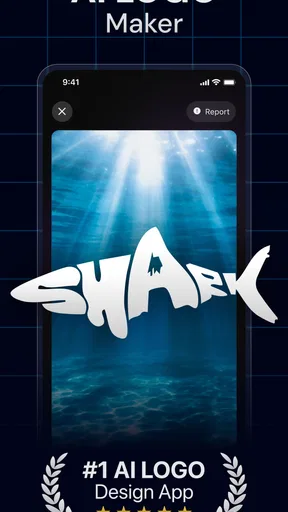
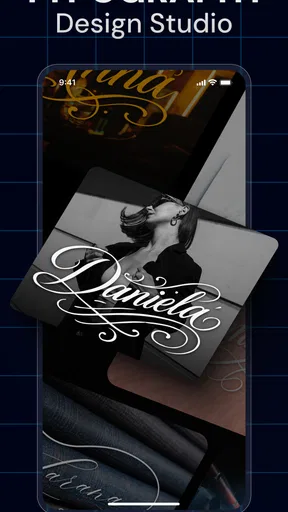
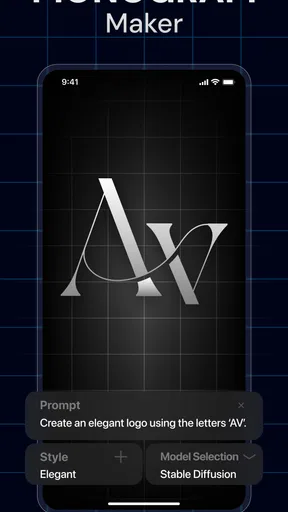
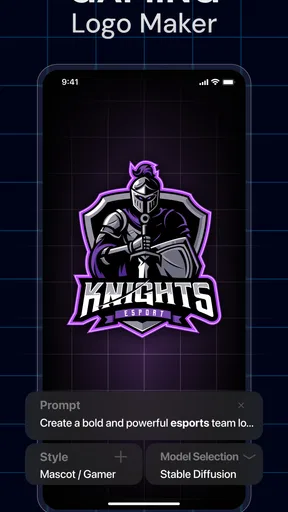
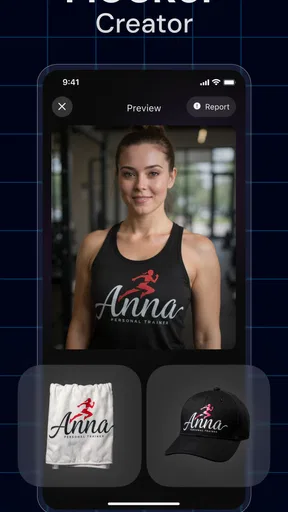
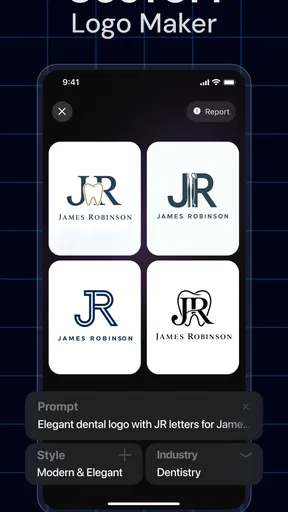
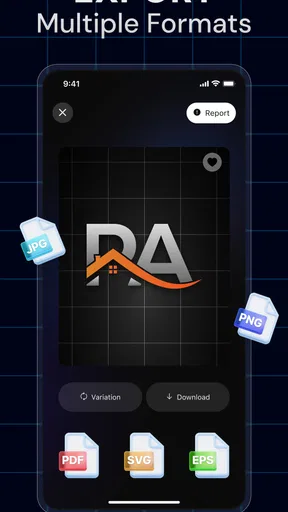
Our Review of Rebrand - AI Logo Maker
 Analysis by Appyee
Rebrand - AI Logo Maker caught my attention because it turns a branding task that can feel intimidating into something much more approachable. I tested it as an everyday design tool rather than treating it like a novelty generator, and my first impression was clear: it is best understood as a fast way to explore logo directions, not as a complete replacement for a professional identity workflow. The app belongs to the Art & Design category, comes from HubX, and is free to install for everyone, with optional purchases ranging from $6.99 to $59.99 per item.
That distinction matters. If you need a quick mark for a side project, social profile, small online shop, club, or personal service, the app can help you move from a blank page to several visual ideas without opening a complicated desktop editor. If you need a carefully constructed identity system with precise typography, editable vector paths, and extensive brand guidelines, I would look elsewhere. Its value depends on whether speed and experimentation matter more to you than deep control.
From an appealing first week to a useful routine
During the first week, the strongest part of the experience is the low barrier to starting. Instead of asking me to understand layers, grids, Bézier curves, or professional terminology, the app focuses on the central question: what kind of logo do I want to see? That makes it easier to try several directions before becoming attached to the first acceptable result.
I found this particularly useful when the brief was still vague. Many people do not begin with a polished description of their visual identity. They begin with a business name, a general mood, and perhaps a preferred color. An AI-assisted logo tool can turn that loose starting point into visual references. Even when the first result is not ready to publish, it can reveal whether the idea feels better as a wordmark, an emblem, an icon, or a combination of those approaches.
The most practical first-week use is idea discovery, not instant perfection. I would use the app to create a short visual shortlist, then compare the options at the size where the logo will actually appear. A symbol that looks impressive on a large screen may become muddy as a profile image. Likewise, a detailed mark may lose its personality when printed small. Looking at the designs in realistic contexts is more valuable than simply choosing the most decorative result.
One useful habit is to judge every candidate in three passes. First, look at it in color to understand its personality. Next, imagine it in one color, because a logo that depends entirely on gradients or multiple tones can be difficult to reuse. Finally, reduce it mentally to a small avatar or app icon. This simple check exposes weak concepts early and prevents the excitement of a polished preview from doing all the decision-making.
The app is also a comfortable option for people who are not confident with design vocabulary. You do not need to know the difference between kerning and tracking before beginning. That friendliness is a genuine strength, especially for a first-time founder preparing a basic launch or someone creating a visual identity for a local activity. I would still recommend writing down the intended audience and the feeling you want to communicate before generating anything. AI can offer options, but it cannot decide what your organization should stand for.
Rebrand - AI Logo Maker has a 3.9 average from around 9.2 thousand ratings, with more than 100 thousand installs. Those figures suggest a meaningful audience, but they do not tell me whether a particular generated logo will suit a particular brand. I treat them as signs that the app is being tried by many people, not as proof that it will replace a designer or a full design suite.
Where the first results help and where they need judgment
The first designs are most useful when I treat them as a conversation starter. A generated concept can show that a business name looks too long in a certain layout, that an icon is too literal, or that a color combination gives the wrong impression. Those discoveries save time even when the final logo is built somewhere else.
There is a trade-off, though. Speed can encourage shallow decisions. If I accept the first attractive option, the result may look familiar rather than distinctive. The right question is not “Does this look nice?” but “Would someone recognize this without the name beside it?” That standard is harder, and it is where human editing and comparison become essential.
For a realistic everyday scenario, imagine a person launching a weekend baking service. They have a name, a few product photos, and a social account but no visual identity. Rebrand can help them explore a friendly badge, a simple wordmark, and a food-related symbol in one sitting. They can then test which direction remains readable beside a profile picture and on a small packaging label. That is a worthwhile use, even if the final files later receive adjustments in another application.
The same workflow suits a student organization, a podcast concept, a neighborhood event, or a freelance service that needs a temporary identity while its offer is still evolving. In each case, the app earns its place by reducing hesitation. It helps users make a decision instead of staring at an empty canvas.
What changes after the novelty wears off
The first-week excitement comes from seeing many possibilities quickly. Month-to-month value is a different test. A logo is not something most people redesign every day, so the app needs to remain useful after the initial choice. In my view, its lasting role is less about producing endless logos and more about supporting small revisions, new experiments, and related visual needs when a project changes direction.
For a new business, the early identity often shifts. The audience becomes clearer, the product range expands, or the original name no longer feels right. An AI-based tool can be useful again at that point because starting a second round of exploration is less intimidating than beginning from a completely blank document. It also helps when a person wants to compare a safer, more conventional direction with something more distinctive before committing.
Another recurring use is preparing variations for different contexts. A compact symbol may work better for a social avatar, while the full name may be needed for a page header or printed material. I would not assume that one arrangement can serve every purpose equally well. Creating and comparing alternatives is a sensible monthly task, particularly for a small project that does not have a dedicated designer.
However, the app is unlikely to become a daily habit for most users. Once a logo is chosen and exported into the places where it is needed, there may be little reason to return until the brand changes. That is not a flaw by itself; design tools are often occasional tools. It does mean that the app’s long-term value depends on whether you are still developing a project, managing several small brands, or regularly testing new ideas.
The free entry point makes that experimentation easier, but the purchase structure deserves attention. The app is free, while in-app items cost between $6.99 and $59.99 each. Before relying on it for a finished identity, I would check which parts of the workflow require payment and whether the available output suits the way I intend to use the logo. A low initial commitment can become less attractive if a user needs several rounds or specific deliverables.
Maintenance is simple only if expectations stay realistic
Logo maintenance is not the same as logo creation. After choosing a design, I would keep a small record of the decisions that make it usable: the preferred version, the background it needs, the minimum readable size, and whether it still works without color. The app may help generate the visual starting point, but the responsibility for using it consistently remains with me.
This is where casual users can run into friction. A logo may look correct in the app but feel unbalanced once placed beside real text, photographs, or a website layout. I would always preview it in its intended environment before treating it as final. For a social account, that means checking the circular crop and the tiny display size. For a printed card or label, it means considering whether fine details survive reproduction.
Another maintenance issue is version discipline. When experimenting with multiple variations, it is easy to save several similar files and later forget which one is approved. I recommend naming concepts by purpose rather than by vague labels such as “new logo.” A simple system like “profile icon,” “light background,” and “one-color mark” makes future use less confusing. This is not a glamorous feature, but it has more long-term impact than generating another dozen concepts.
I also advise keeping the original project information and the final chosen version together. If the brand evolves, you will want to know why a particular symbol or arrangement was selected. Without that context, a later redesign can become a cycle of repeating old experiments. Rebrand is most valuable when it supports deliberate decisions rather than encouraging endless replacement.
The current version is 1.4.0 and requires Android 7.0 or later. That makes it accessible to people using older supported Android devices, although the practical experience can still vary with screen size and device performance. I would give the app a fair trial on the phone or tablet where I plan to do most of the work, because a design that is comfortable to inspect on a larger display may feel cramped on a smaller one.
Where fatigue begins
The main source of fatigue is the gap between visual abundance and brand clarity. Generating more options feels productive, but it can make the decision harder. After a while, many concepts may seem equally acceptable, especially when they use familiar design patterns. I avoid that trap by defining selection rules before browsing: the name must remain readable, the symbol should not depend on tiny details, and the overall shape should fit the intended audience.
Another possible frustration is the limited control that comes with an AI-first approach. A person who wants to adjust every letter, align every curve, or build a precise custom symbol may quickly feel constrained. In that situation, a traditional vector editor is the better choice. It takes longer to learn, but it offers the kind of exact control that a quick generator is not designed to provide.
There is also a risk of visual sameness. AI tools are good at producing familiar, understandable ideas, but familiarity can become a disadvantage when a brand needs a memorable identity. I would use the generated result as a base for critique: remove unnecessary details, question literal symbols, and look for the simplest recognizable shape. If the same concept could belong to many unrelated businesses, it needs more thought before publication.
Payment can add another layer of hesitation. Because the app includes optional purchases, I would not begin with the assumption that every useful result will be available without charge. I would first decide whether the app is helping me explore or whether I am ready to obtain a final asset. That distinction prevents a rushed purchase made only because I have already spent time browsing.
The store lists an Everyone age rating, which fits the app’s general purpose as a design utility. Still, the intended audience matters more than the age label. A child can experiment with visual ideas, but a business owner should be the person making the final decision about identity, usage, and consistency. The app can simplify creation; it cannot replace that responsibility.
Who should keep it installed?
I would keep Rebrand - AI Logo Maker installed if I were building small projects regularly, testing business ideas, or helping friends create early-stage branding. It is especially useful when the cost of professional design is not yet justified and the main need is a credible starting direction. It can also be handy for people who become blocked by blank-canvas software and need visual prompts before they can explain what they want.
I would be more cautious if the logo represents an established company, a regulated service, or a brand expected to remain unchanged for many years. In those cases, originality, legal review, typography, and a complete set of brand assets matter more than quick generation. A professional designer or a full vector workflow would usually be a stronger investment.
I would also skip it as a primary tool if I already know exactly how the logo should look and need precise construction rather than inspiration. Recreating a detailed concept through a simplified generator can take longer than drawing it directly in software built for exact editing. The app’s advantage is reducing uncertainty, not maximizing technical control.
My long-term verdict
After the initial novelty fades, Rebrand - AI Logo Maker remains useful as a lightweight idea and identity exploration tool. Its lasting value comes from helping me begin, compare directions, and revisit a visual concept when a small project changes. It does not earn permanent daily attention, and it should not be mistaken for a complete branding studio.
My advice is to use it with a clear stopping point. Generate enough options to understand the territory, choose based on readability and distinctiveness, test the result in real sizes, and then decide whether the free workflow is sufficient or an in-app purchase is justified. Do not keep generating simply because another option is available.
For a first logo, a temporary project, or a personal brand still finding its voice, the app can save time and lower the emotional cost of getting started. For a polished identity that needs fine control and a dependable long life, I would move the best idea into a more precise design process. That balance is why I see Rebrand - AI Logo Maker as a helpful companion for early decisions rather than the final stop for serious brand work.
HubX has made an accessible Art & Design app that is easy to approach and free to try, but its real test is what happens after the first attractive result. If you use it deliberately, keep your variations organized, and judge concepts in practical settings, it can provide recurring value whenever a project needs a fresh direction. If you want automatic certainty or professional-level control, the same simplicity that makes it welcoming may eventually become its biggest limitation.
Verdict
Strengths of Rebrand - AI Logo Maker
- Generates multiple logo concepts quickly from a short description.
- Useful for exploring branding ideas before hiring a designer.
- Offers templates suited to different industries and visual styles.
- Exports designs in formats convenient for online brand use.
- Simple editing tools make basic customization accessible to beginners.
Limitations of Rebrand - AI Logo Maker
- AI-generated designs may look generic or resemble existing logo styles.
- Advanced branding controls are limited compared with professional design software.
- High-resolution exports or premium assets may require a subscription.
- Results can vary greatly depending on the wording of your prompt.
- Some logos may need manual refinement for balanced typography and spacing.
Other Releases by HubX
View All
Home AI - AI Interior Design
Lifestyle4.3

DaVinci - AI Image Generator
Art & Design3.6

AI Video - AI Video Generator
Photography4.5

MyTunes : AI Music Generator
Entertainment4.3
Similar Picks in This Category
View All
Canva: AI Photo & Video Editor
Canva4.8

PENUP – Drawing-sharing SNS
Samsung Electronics Co., Ltd.4.5

Crafto
Kutumb App4.6

Sketchbook
Sketchbook4.1

ibis Paint X
ibis inc.4.5

Adobe Express: AI Photo, Video
Adobe4.6
Frequently Asked Questions
What is Rebrand - AI Logo Maker, and how does it work?
Rebrand - AI Logo Maker is a design app that uses artificial intelligence to help create logo concepts for businesses, personal projects, social media profiles, and online brands. You typically enter a brand name, choose a style or industry, and review generated suggestions. The app then lets you customize elements such as colors, fonts, layouts, and icons before exporting the final design.
Can I create a professional logo without any design experience?
Yes. Rebrand - AI Logo Maker is designed for users who may not have formal graphic-design skills. Its automated suggestions provide a useful starting point, while templates and editing tools make it possible to adjust the appearance without complicated software. However, the quality of the result still depends on the information you provide and the amount of customization you apply afterward.
Is Rebrand - AI Logo Maker free to use?
The app may allow you to explore logo ideas or create basic designs at no initial cost, but some features can be restricted by in-app purchases or a subscription. Premium options may include additional templates, advanced customization, higher-resolution exports, transparent backgrounds, or commercial-use assets. Before downloading or exporting a logo, check the current pricing and trial conditions shown in the app.
Can I use logos created with the app for commercial purposes?
Commercial usage depends on the app’s licensing terms, the plan you choose, and the individual assets included in your design. AI-generated concepts, fonts, icons, and templates may have different usage restrictions. If you intend to use the logo for a company, product, website, or paid service, review the license carefully and confirm whether trademark registration or exclusive ownership is available.
What export formats and customization options are available?
Rebrand - AI Logo Maker generally focuses on creating a logo that can be adapted to different branding needs, with editing options such as typography, colors, spacing, icons, and arrangement. Export availability can vary according to the device and subscription level. Users should verify whether the app provides suitable resolution and formats, particularly if they need files for printing, websites, transparent backgrounds, or social media.
